
This language version is being prepared. The Japanese version is shown for now.
素材でできること
素材を追加して選ぶと、色や形、サイズを調整する編集ツールが表示されます。素材の装飾にはフチと影を使えます。
PC画面での操作
このページの操作画像はPC版です。中央で対象を選ぶと上部ツールが切り替わり、詳しい設定は左に開きます。右のレイヤー一覧は対象の選択と重なり順、下部は保存状態・作品サイズ・表示倍率を確認する場所です。項目が見えない場合は上部の「…」を確認します。
このページでできること
素材の追加、色・線・角丸・サイズ、装飾の3つの入口を確認できます。
操作手順
-
左の素材一覧から追加する
左の「素材」を開き、検索またはカテゴリから選びます。例では同じテキスト作品に「星 塗り」を追加します。
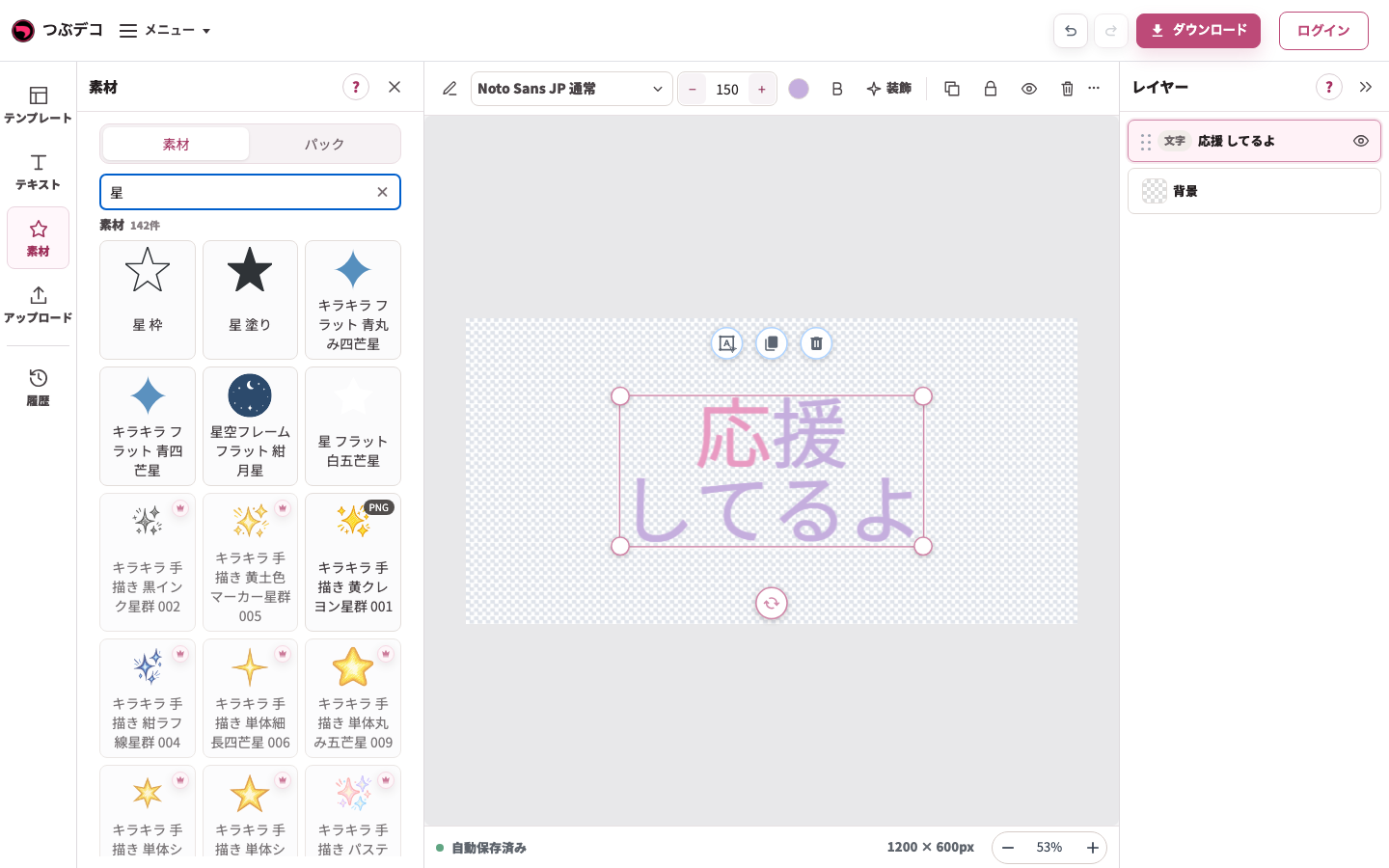
素材検索「星」の結果。中央の既存テキストを残したまま、追加する素材を選びます。 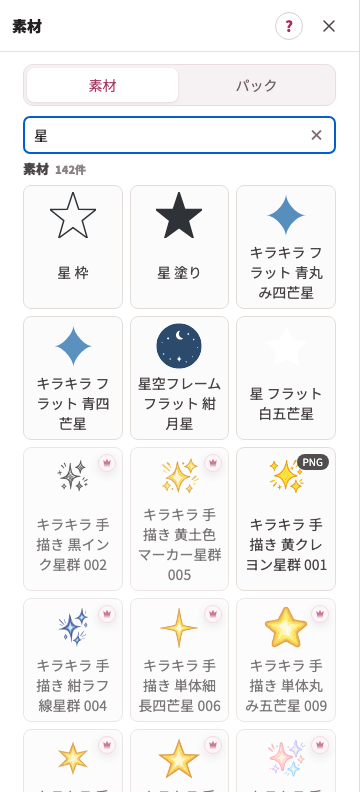
拡大:素材検索「星」の結果。中央の既存テキストを残したまま、追加する素材を選びます。 -
素材を選び、色・形・サイズを整える
作品上の素材を1回クリックするか、右の一覧で素材名を選びます。上部の「色」「線」「角丸」「サイズ」は素材の種類に応じて現れます。
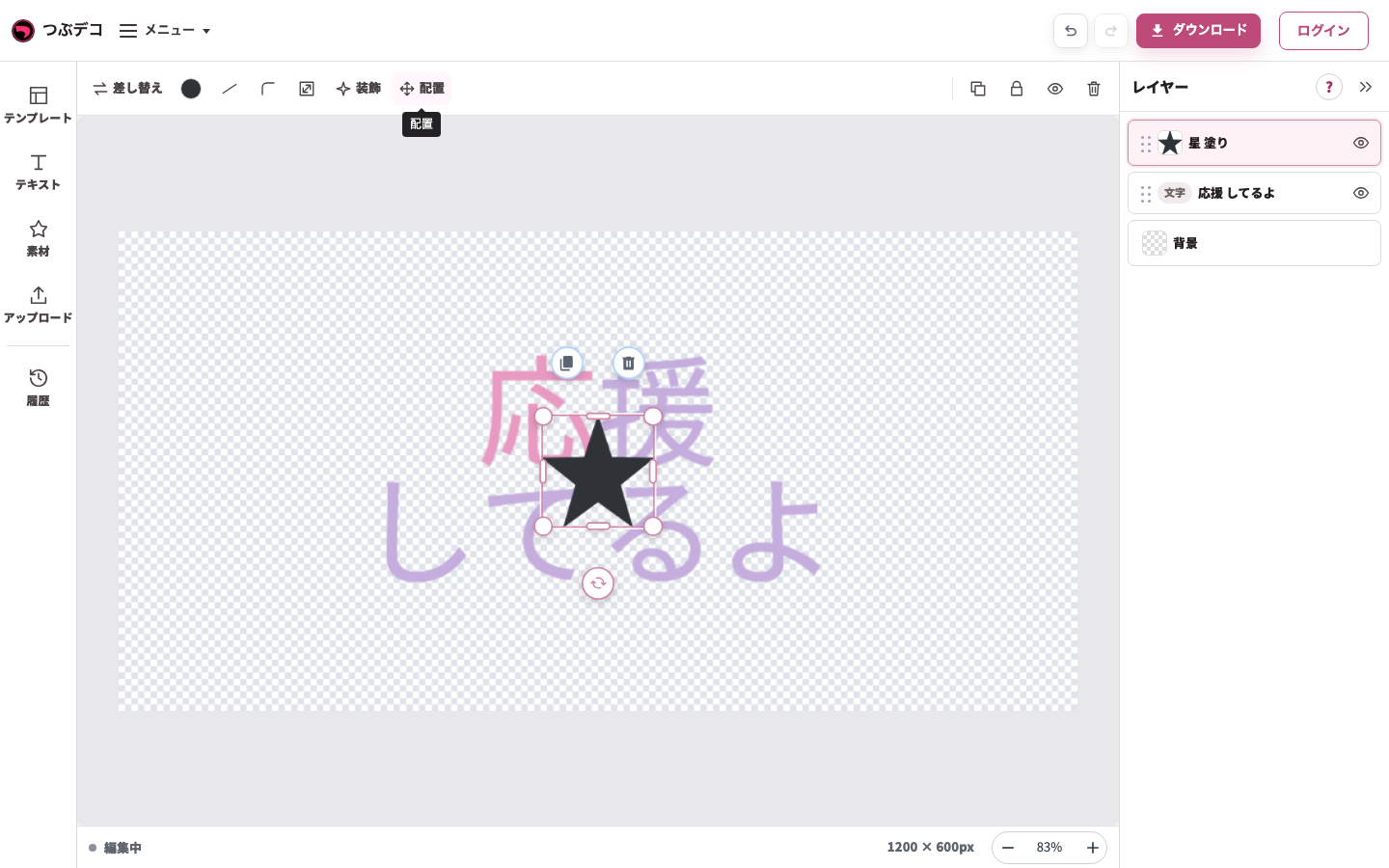
星の選択状態:上部に色・線・角丸・サイズ・装飾・配置が出ます。表示項目は素材により異なります。 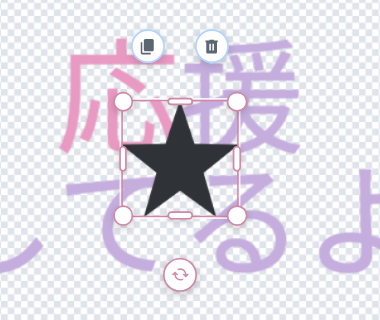
拡大:星の選択状態:上部に色・線・角丸・サイズ・装飾・配置が出ます。表示項目は素材により異なります。 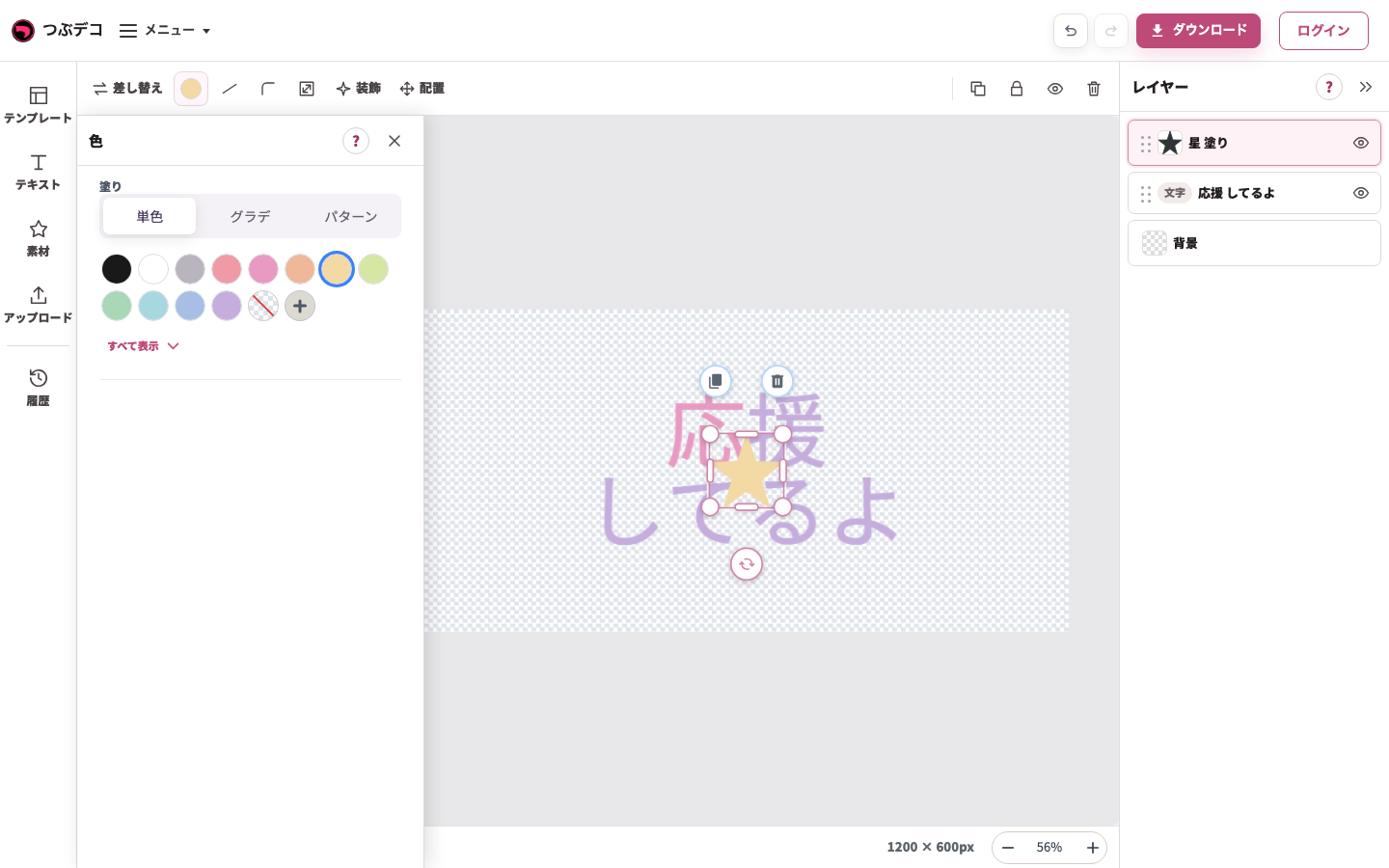
上部の素材色を開き、クリームを指定した状態。文字ではなく星が色変更の対象です。 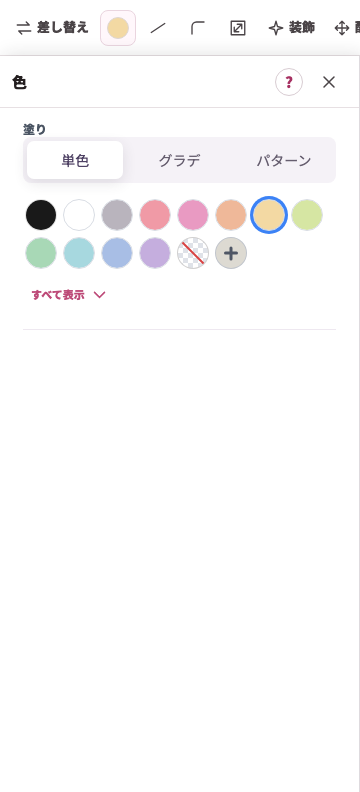
拡大:上部の素材色を開き、クリームを指定した状態。文字ではなく星が色変更の対象です。 -
素材にフチや影を加える
素材を選んだまま上部の「装飾」を開きます。素材向けのフチ・影から選び、文字とは別に見た目を整えます。
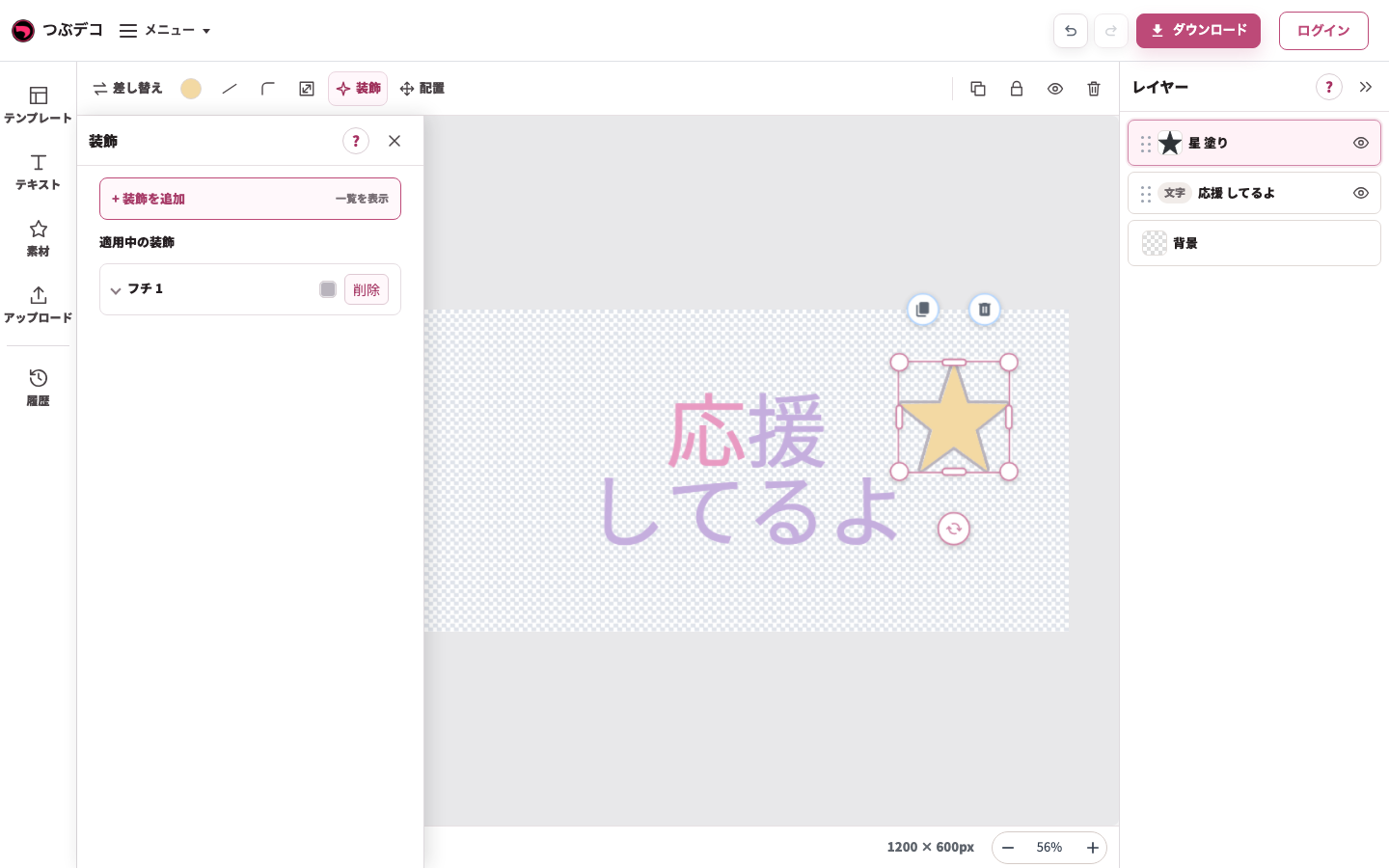
素材のフチを追加した状態。左の設定と、中央の星の輪郭を見比べます。 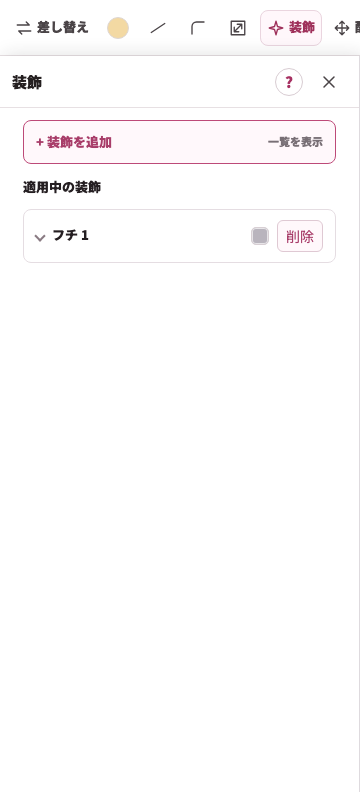
拡大:素材のフチを追加した状態。左の設定と、中央の星の輪郭を見比べます。 -
ドラッグで位置を整える
素材を押したまま動かし、文字に重なりすぎない位置で離します。灰色の外側をクリックし、選択枠を外して全体を確認します。
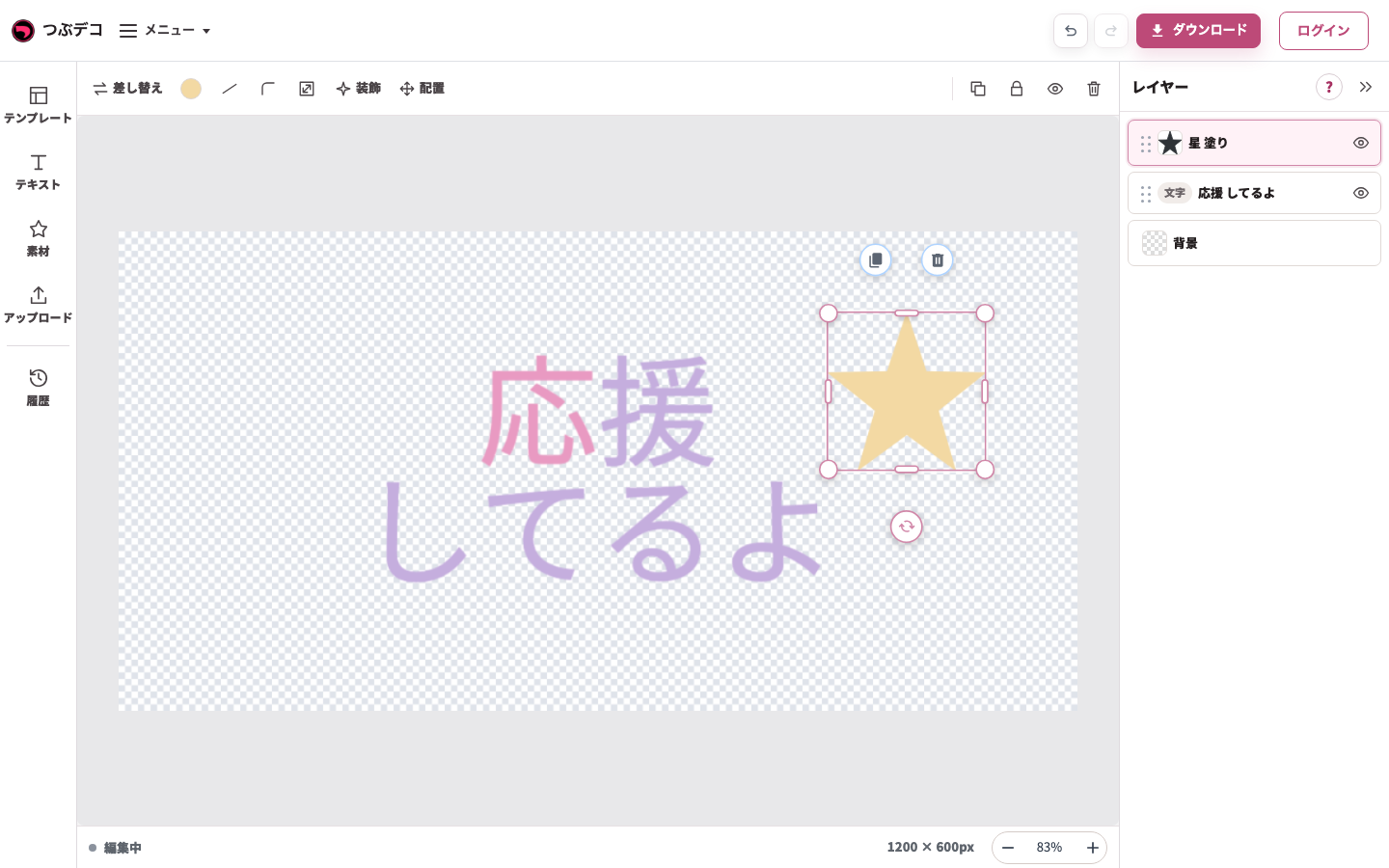
移動後:同じ星を文字の右上へドラッグしました。レイヤーの順番を変える操作とは別です。 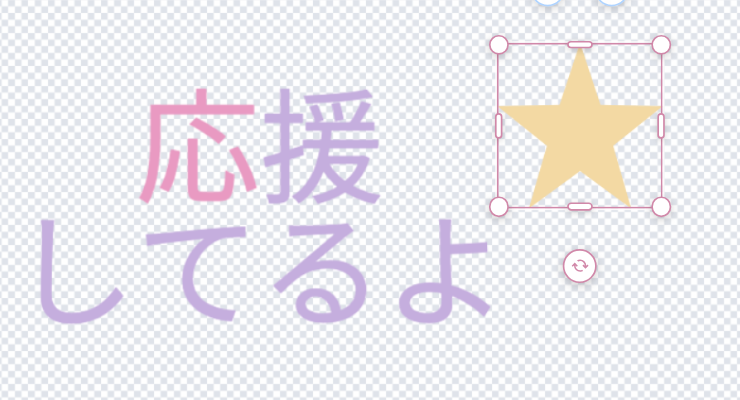
拡大:移動後:同じ星を文字の右上へドラッグしました。レイヤーの順番を変える操作とは別です。
装飾の違い
| Item | Description |
|---|---|
| テキスト | フチ、影、線、背景(テキストの背面)を使えます。文字ごと装飾で選んだ文字だけに色やサイズを変えることもできます。 |
| 素材 | フチ、影を使えます。線と背景(テキストの背面)は素材には表示されません。 |
| 画像 | フチ、影を使えます。線と背景(テキストの背面)は画像には表示されません。 |
設定項目一覧
| Item | Description |
|---|---|
| 素材を追加 | 素材の一覧を開き、選んだ素材を作品に追加します。 |
| 色・線・角丸・サイズ | 素材の色、線、角丸、サイズを調整できます。素材によっては、素材内の色を個別に変えられる場合があります。 |
| 装飾 | 素材の外側にフチを追加し、素材に影を追加できます。 |
| 配置 | 位置、回転、重なり順を調整します。 |
確認ポイント
- 素材を選ぶと編集ツールが表示され、素材の変更や設定ができます。
- 選択すると、表示される編集ツールから複製や削除などを実行できます。
- 素材の装飾はフチと影のみです。
困ったとき
素材が見えない場合は、レイヤー一覧で非表示になっていないか、他のレイヤーの背面に隠れていないか確認してください。