
 Circular Frame Sticker Set: Double lines and leaves
 つぶデコ
つぶデコ
Create a Text Logo
By logging in, you agree to the Terms of Use and Privacy Policy.
つぶデコ
By logging in, you agree to the Terms of Use and Privacy Policy.
Create lettering designs for stickers and labels that you can print and apply. Enter a name or phrase, save a transparent image, print it, and cut out your original sticker.

Replace the template text with a name or phrase to finish your sticker design.
A transparent PNG keeps a white box from appearing around the lettering when printed.
Bold outlines make it easy to cut cleanly around the shape with scissors or a craft knife.
Choose the design you want, then enter text in batches.
Choose a design you like and start editing its text and colors right away.
Circular Frame Sticker Set: Double lines and leaves
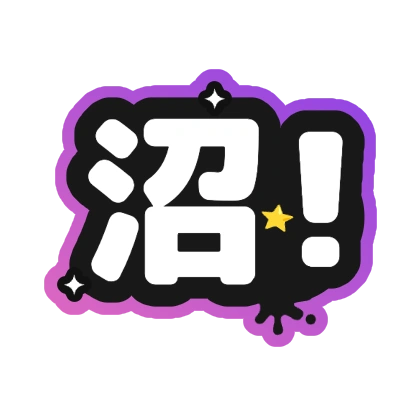 沼!
沼!
 えらい
えらい
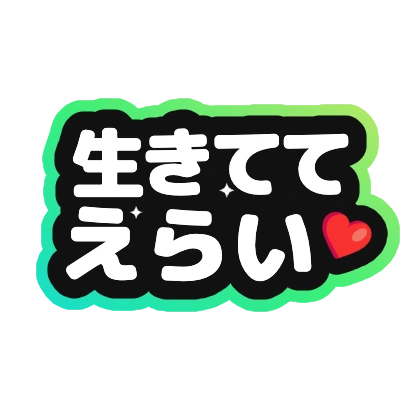 生きててえらい
 現場行きたい
 当たれ〜
当たれ〜
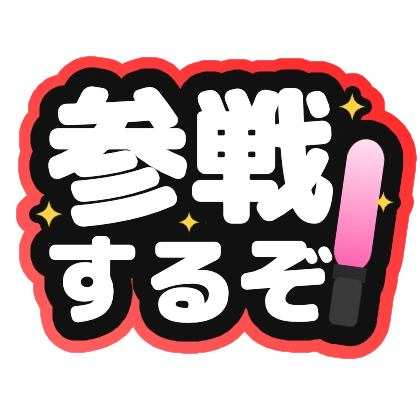 参戦するぞ
参戦するぞ
 お財布空っぽ
 課金します
課金します
 供給過多
供給過多
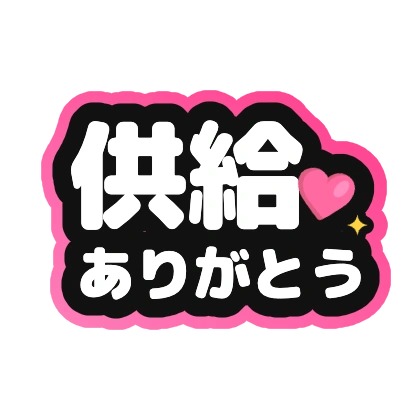 供給ありがとう
 担当が優勝
担当が優勝
 最推し
最推し
 推ししか勝たん
 推せる
推せる
The outline gives you a cutting guide and keeps the lettering readable even on a small sticker.
Yes. Save a transparent PNG and cut out the lettering shape.
Create and save from your smartphone browser. Print with a home printer or convenience-store network printing.