


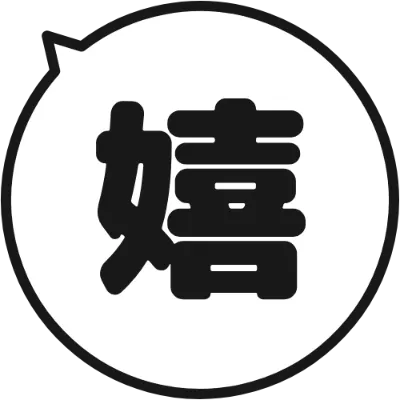
 Round Speech Bubble Emoji (White)
 つぶデコ
つぶデコ
Create a Text Logo
By logging in, you agree to the Terms of Use and Privacy Policy.
つぶデコ
By logging in, you agree to the Terms of Use and Privacy Policy.
Create free emojis and text stamps for Slack, Discord, and LINE. Choose a template, change the text and colors, and download your original stamp image.
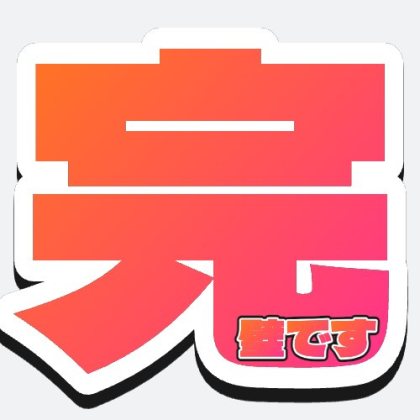
Choose the design you want, then enter text in batches.
Choose a design you like and start editing its text and colors right away.
Round Speech Bubble Emoji (White)
 Crying Animal Sticker Set (White Cat)
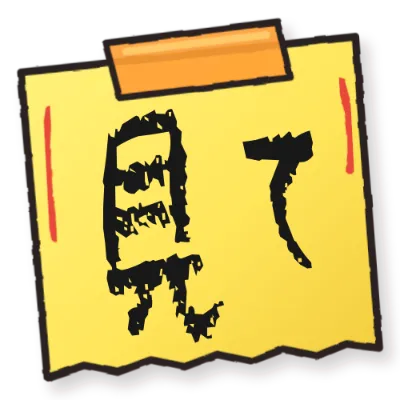 Handwritten Memo Set (16 Designs)
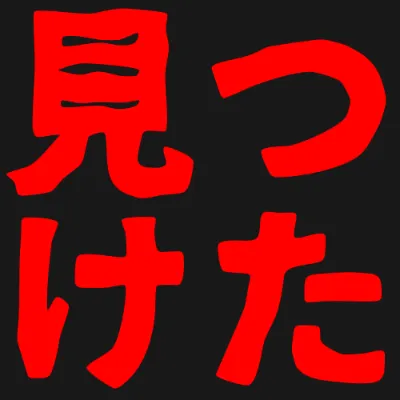 Scary Horror-Style Emoji Set (Tetsubin Gothic)
 Polished Gradient Text Set
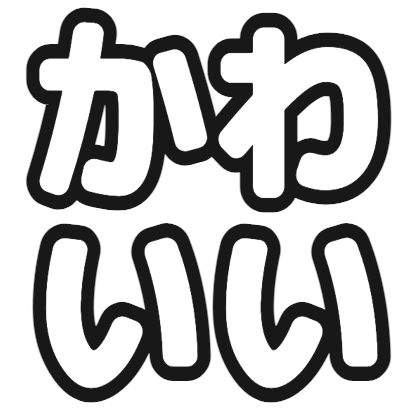 Cute Text Color and Outline Set (Rounded Font)
 Gradient Text Emoji Set (Dela Gothic One)
 Gradient and Shadow Emoji Set (M PLUS Rounded 1c)
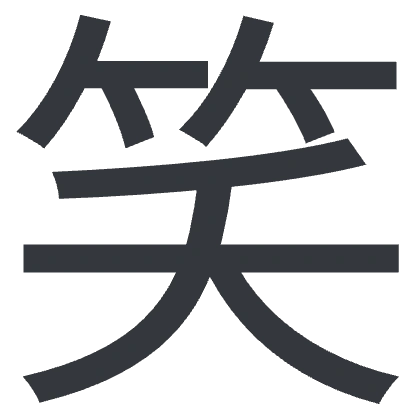 Simple Slack emoji set for 「笑」
 案件獲得 (Blue Text with Red and White Outline)
 Stamp-Style Slack Emoji Set
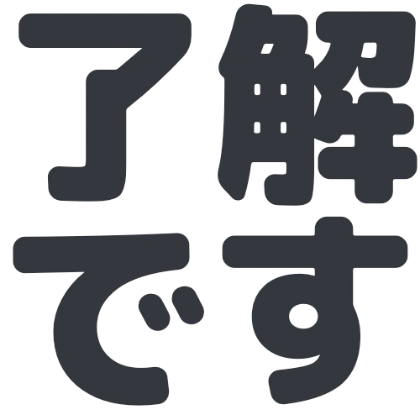 Simple “了解です” Slack Emoji
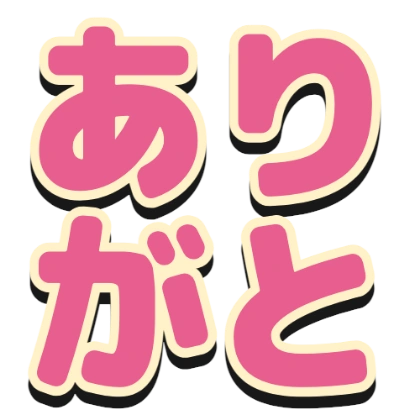 Thanks with Outline and Shadow
 Reserved
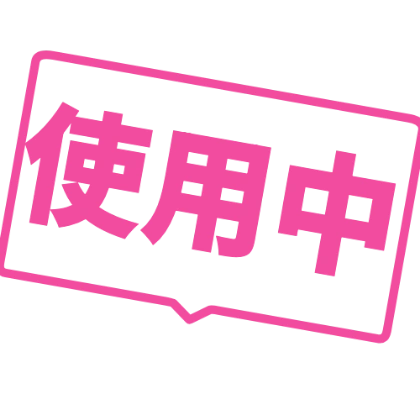 In Use Text Stamp in Speech Bubble
Most templates are free to use. Paid templates show their price.
You can create and download images without registering. Sign in if you want to keep your creation history.
Upload the downloaded image from Slack's “Add custom emoji” menu.